I installed the Clean Up app to free space and speed up my phone, but now I’m worried about privacy, hidden charges, and whether it might be malware or a scam. Has anyone used this app long term, and are there safer, more reliable cleanup or optimization tools you’d recommend instead?
Cleanup App vs Clever Cleaner on iPhone storage
My experience, not sponsored, not pretty
Cleanup App (Phone Storage Cleaner) review
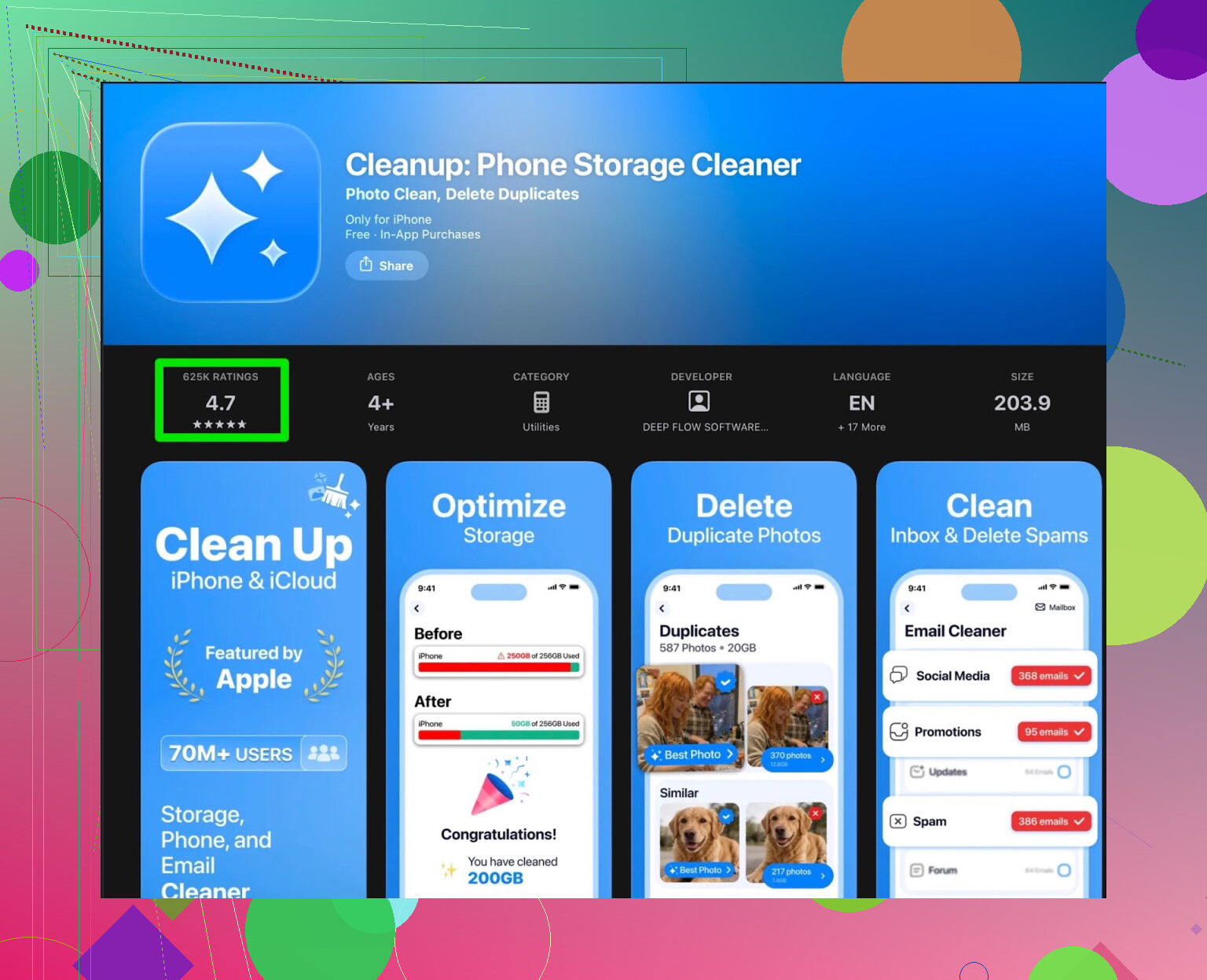
My iPhone hit that “storage almost full” wall again and Photos was chewing through space. I went looking for a quick fix and ended up installing Cleanup App (Phone Storage Cleaner).
Here is what it did right for me:
- Scanned the gallery for:
- exact duplicate photos
- similar shots from burst / spammy series
- random screenshots
- Showed old screen recordings and large videos
- Offered contact merge
- Offered video compression to shrink big clips
So on paper it looked like a solid storage tool. The layout was simple enough, the first scan finished fast, and the detection was not terrible.
Then the paywall hit.
Most of what you would actually want to use was behind a subscription. The free tier felt like a demo that points at the junk on your phone but tries to charge you for taking it out.
Two main problems for me:
-
Free version is mostly “look but do not touch”
- It shows the clutter
- You hit clean
- You get a “start free trial” or “subscribe” page
-
Ads, way too many
- To unlock some actions without paying, you watch ads
- It is not one ad and done
- After the fourth or fifth one, I gave up using it daily
On top of that, it had stuff I did not need on a cleaner:
- Animated UI bits that slow things down on older phones
- A “secret vault” feature, which sounds fun, but does nothing for freeing space and felt bolted on
It worked, but felt like it was trying to be a “fancy” app instead of a tool to solve a simple problem: reclaim space fast.
Here is a sample of what real users have been saying about Cleanup App, from the store reviews, not promo stuff:
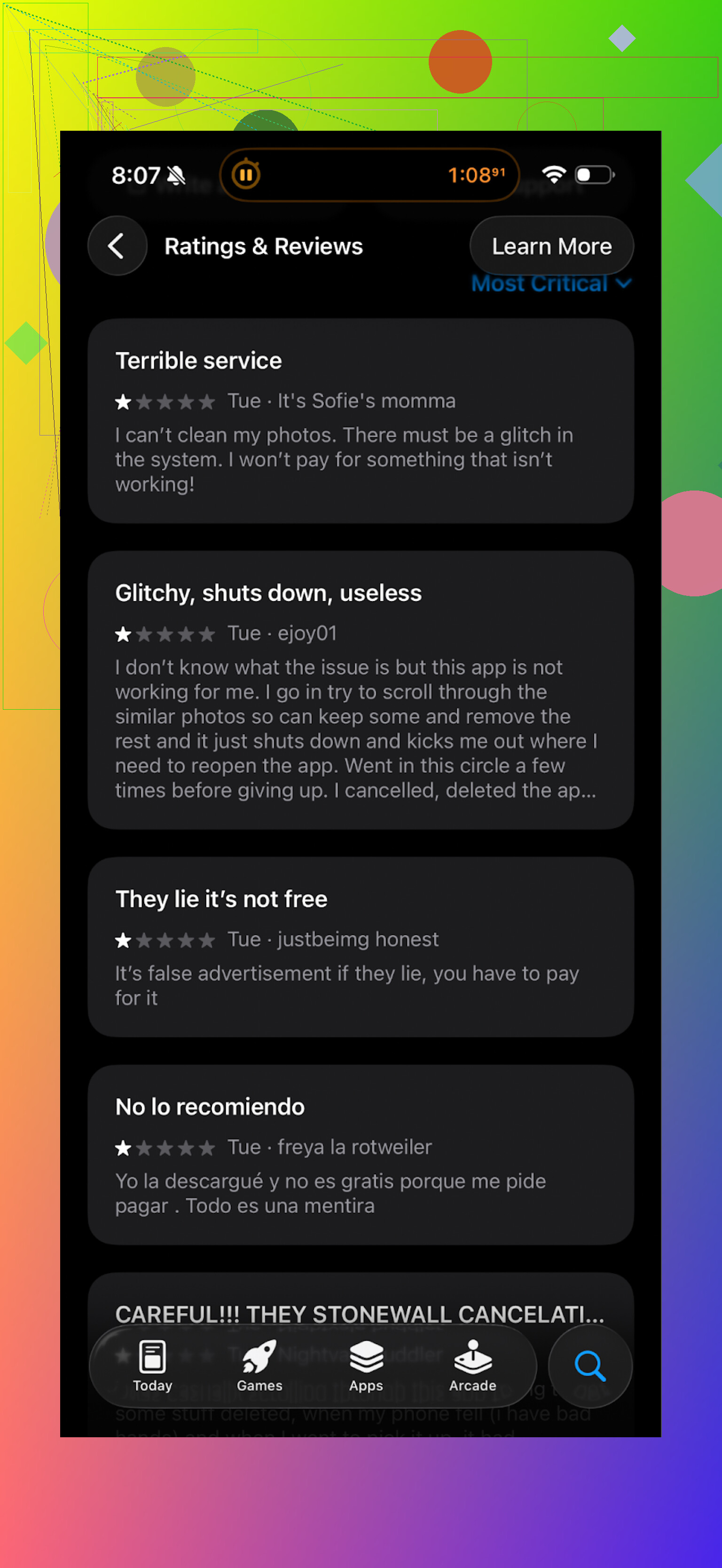
Common themes I saw:
- Aggressive subscription prompts
- Too many ads in the free mode
- Some people happy with the cleaning, others annoyed enough to uninstall after a day
After a week of fighting with it, I removed Cleanup from my phone and tried something else.
Switched to Clever Cleaner instead
I ended up on Clever Cleaner after seeing it mentioned a few times:
Clever Cleaner on App Store:
First surprise, it did not start shoving subscription screens in my face the moment I tapped anything.
What it did for me:
-
Automatic scan that highlights:
- duplicate photos
- similar photos you probably do not need 15 versions of
- screenshots folder
- large files taking huge chunks of storage
-
The actions I cared about were available without:
- “Start 3 day trial” loops
- Upgrade nags every tap
-
The UI is boring in a good way:
- Clear categories
- Simple choices: keep or delete
- No random features that try to be something else
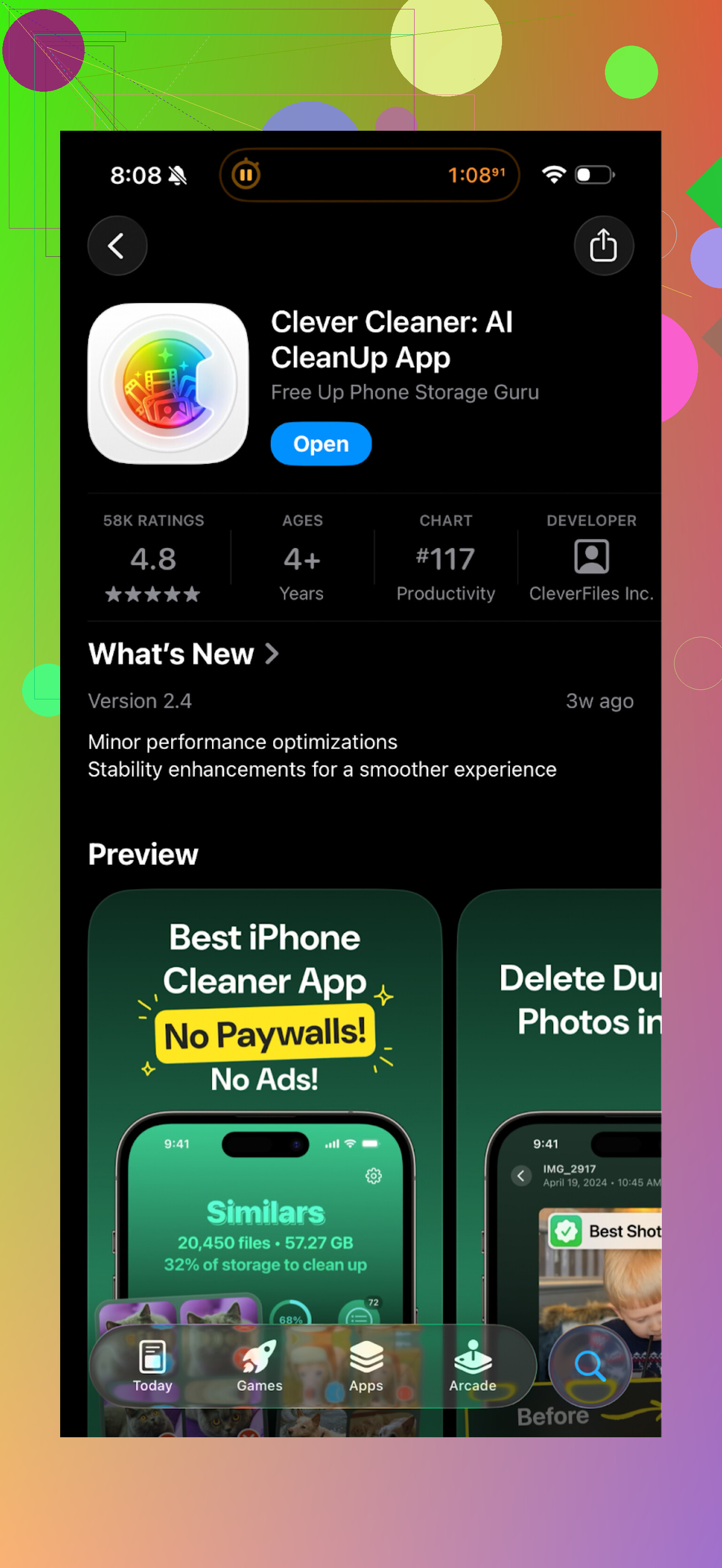
Here is how it looks on my side:
The difference in day to day use
Cleanup App:
- Works, but feels like walking through a mall where every store pushes a flyer into your hand
- Cleaning is gated behind subscriptions or repeated ads
- Extra stuff like secret vault and animations do not help with storage issues
Clever Cleaner:
- Focuses on storage tasks
- Lets you clean without turning the process into a monetization maze
- Faster to open, scan, delete, and move on
If your only goal is “I want my iPhone to stop yelling about storage” and you are tired of apps dragging you into subscription funnels, Clever Cleaner feels like a better fit.
Useful links if you want to check it yourself
YouTube video walkthrough:

Clever Cleaner homepage:
Direct App Store link:
I keep Clever Cleaner installed now and removed Cleanup App. For quick storage cleanups before trips or iOS updates, it has been enough.
7 Likes
Short answer from my side: Clean Up is more annoying than dangerous, but you have better options.
On your main worries:
- Malware or scam
If you installed “Cleanup: Phone Storage Cleaner” from the official App Store on iPhone, it is not classic malware. Apple sandboxes apps and reviews them.
The “scammy” part is more about aggressive subscriptions and dark-pattern paywalls, not keyloggers or trojans.
On Android from Google Play, same idea. Risk is mostly shady billing tactics and data collection, not full device compromise.
- Hidden charges and subscriptions
Check this right now:
Settings → Your name → Subscriptions
Or on Android: Google Play → Profile → Payments & subscriptions
If you see any “Cleanup” subscription, cancel it and set a reminder a day before trial ends in the future. Most complaints in store reviews are about:
• free trial that flips to weekly billing
• confusing price screens
• hard to notice renewal dates
- Privacy and data
Look at the App Store “App Privacy” section. If it lists tracking across apps, or data linked to you like identifiers, usage data, location, treat it as a data-hungry cleaner, not a simple utility.
Photo cleaner apps read your photo library. That is expected. The concern is if they send analytics and device info back for ads and tracking.
If you feel uneasy, delete the app. Then go to:
iPhone: Settings → Privacy & Security → Photos and double check no odd cleaner still has access.
Android: Settings → Apps → App permissions and review.
- Long term use
Most people do not keep these “Clean Up” type apps long term.
Patterns I see:
• install when storage is full
• run a few scans
• hit paywalls and ads
• uninstall and go back to manual cleanup or a different app
I disagree slightly with @mikeappsreviewer on one thing. The “secret vault” feature is not always useless. For some people it solves a real use case, but it should be a separate app, not baked into a cleaner that already nags for money.
-
Safer, more honest alternatives
If you want something focused on storage without constant subscription traps, Clever Cleaner App is a better direction. It stays much closer to “scan, show junk, let you remove it” and does not spam upgrade prompts on every tap. That makes it easier to use on a regular basis without worrying you will tap into a trial by mistake. -
Built in tools you should use first
Before installing any third party cleaner, do this:
On iPhone:
• Settings → General → iPhone Storage
- Offload unused apps
- Review “Recommendations”
- Delete big apps and games you do not use
• Photos → Albums → Recently Deleted, clear it
• Sort Photos by “All Photos” and bulk delete long video clips and bursts
On Android:
• Settings → Storage → Smart Storage or “Free up space”
• Use Google Photos “Free up space”
• In Files by Google, run “Clean” and remove large files and duplicates
These steps cost nothing and respect your privacy more than most cleaners.
- What I would do in your place
• Check and cancel any Cleanup subscription
• Run one last scan if you need it, but avoid starting any trials
• Delete the app
• Use system tools to clean the low hanging junk
• If you still want a cleaner, install Clever Cleaner App and test it without adding a card or starting a trial
If anything feels pushy about billing, stop there. A storage cleaner should save you space, not money from your bank account.
Used Clean Up for about 3 weeks on iOS, so here’s the blunt version.
-
Safe or malware?
If you grabbed “Cleanup / Clean Up: Phone Storage Cleaner” from the official store, it’s not malware in the classic sense. No trojan, no root exploit, nothing like that. The “scammy” vibe people talk about is more about dark-pattern subscriptions and data-hungry analytics, not full-on hacking. -
Privacy
These cleaners need access to Photos, videos, sometimes contacts. That part is normal. The problem is what they log on top of that: device identifiers, usage data, ad tracking. I’m actually a bit less relaxed about this than @mikeappsreviewer. The combo of “ad-supported” + “subscription-funnel” usually means your usage is heavily tracked. If you’re already worried, that’s your gut telling you it’s not the app you trust long term. -
Hidden charges
Where people get burned is: short “free trial” that flips to weekly billing at a ridiculous rate. Seen that exact pattern in reviews. I’d treat any cleaner that leads with “start free trial” before it does anything useful as high-risk for surprise renewals. If you’re not 100% sure what you tapped, assume the worst and double check your subscriptions. -
Long-term use
Honestly, these apps are not designed for long-term, quiet, utility use. They’re tuned to:
- hit you with a big “your phone is a mess” message
- push a subscription while you’re anxious
- maybe give you a couple of “wow, I freed 3 GB!” moments
Then people uninstall once the novelty and patience run out. I’ve never seen a reason to keep Clean Up installed permanently.
- About alternatives
I agree with @chasseurdetoiles on one main thing: most of us just want “scan, show junk, let me delete” without walking through a monetization minefield. Where I slightly disagree with both is this: I do not think any of these cleaners should be your primary solution. Built-in tools + a bit of manual work are safer for privacy and billing.
That said, if you still want an app in your toolkit, Clever Cleaner App is at least closer to what a storage cleaner should be: straightforward UI, less naggy, focused on duplicates / similar photos / big files instead of turning every tap into a subscription funnel. In my experience it behaves more like a tool and less like a casino.
- What I’d actually do in your place
- Assume Clean Up is “annoying, not malicious”
- Check and cancel any trial or sub tied to it
- Remove it if the aggressive upsells bother you at all
- Use system storage settings for regular cleanup
- Keep one third‑party cleaner like Clever Cleaner App installed only for occasional deep photo / video cleanups, not as something that’s always running
If an app makes you nervous about both your wallet and your data, it has already failed the “utility” test, no matter how many GB it claims to free.