I factory reset my iPhone and now all the synced music and videos I added before are gone. I’m trying to figure out if synced media can come back automatically after restore or if I need to sync everything again from my computer. I need help understanding what happens to iPhone synced media after a factory reset.
I ran into the same mess after iOS 17, and yeah, ‘Synced Media’ looked like it came out of nowhere and ate half my storage.
What changed is mostly how Apple labels files. Before iOS 17, stuff you synced from a Mac or PC usually sat under the app bucket, like Music or Books. After the update, iOS started separating it. So a song pulled down through Apple stays under Music. A song pushed from Finder or old iTunes sync lands under ‘Synced Media.’ Same file on your phone, different label.
This is why people think storage is being counted twice. You look at 50 GB under Music, then another huge slab under Synced Media, and it feels broken. From what I saw, iOS is often describing the same local media from two angles. Still takes space, still blocks installs, still makes updates fail.
If you want to check it, go to Settings > General > iPhone Storage. The storage bar shows it, but tapping around usually gets you nowhere. Apple does not give you a clean file list for Synced Media. Mine turned out to be old synced songs, a couple videos, and junk I forgot I copied over years ago.
The annoying part is removal. Apple seems to want you back at a computer so you can unsync it the proper way. I didn’t have one nearby when I dealt with this, so I tried a weird workaround and it worked for me.
What I did:
- Reinstalled Apple Music and Apple Books.
- Opened them and checked for downloaded or local files.
- Deleted anything stored on the phone.
- Removed the apps again.
For some reason, iOS sometimes needs the original app present before it will expose and clear those old synced files. It felt dumb, but the ghost storage dropped after I did it.
If you’re thinking about a factory reset, yes, it clears synced media off the phone. Those files do not come back from a normal iCloud backup, because they were originally copied from your computer. If you never sync from that computer again, the phone stays clean.
When mine passed 100 GB, the phone got ugly fast. Camera opened slow. Apps froze for a few seconds. Typing lagged. iPhones hate full storage. They need free space for temp files and routine system work. Once you hit the wall, performance tanks.
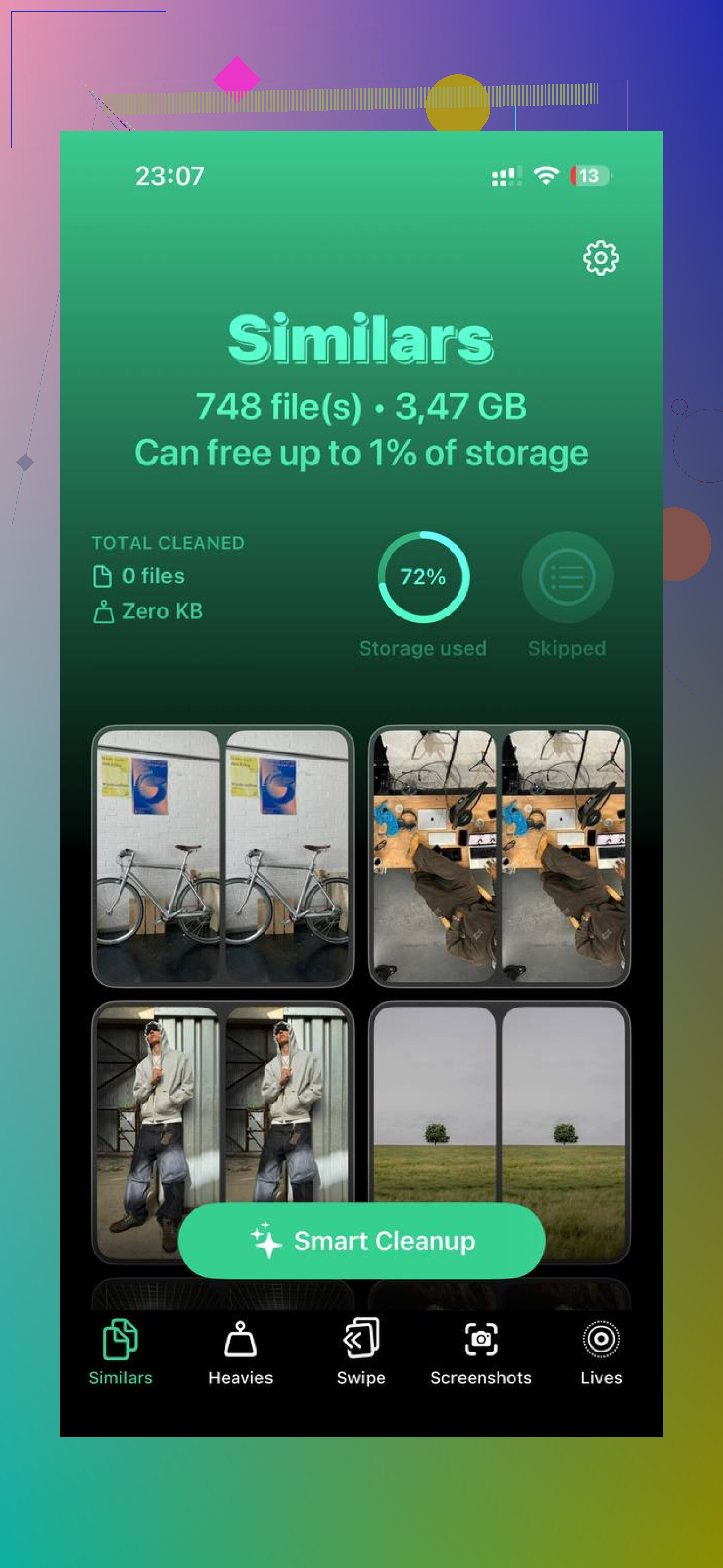
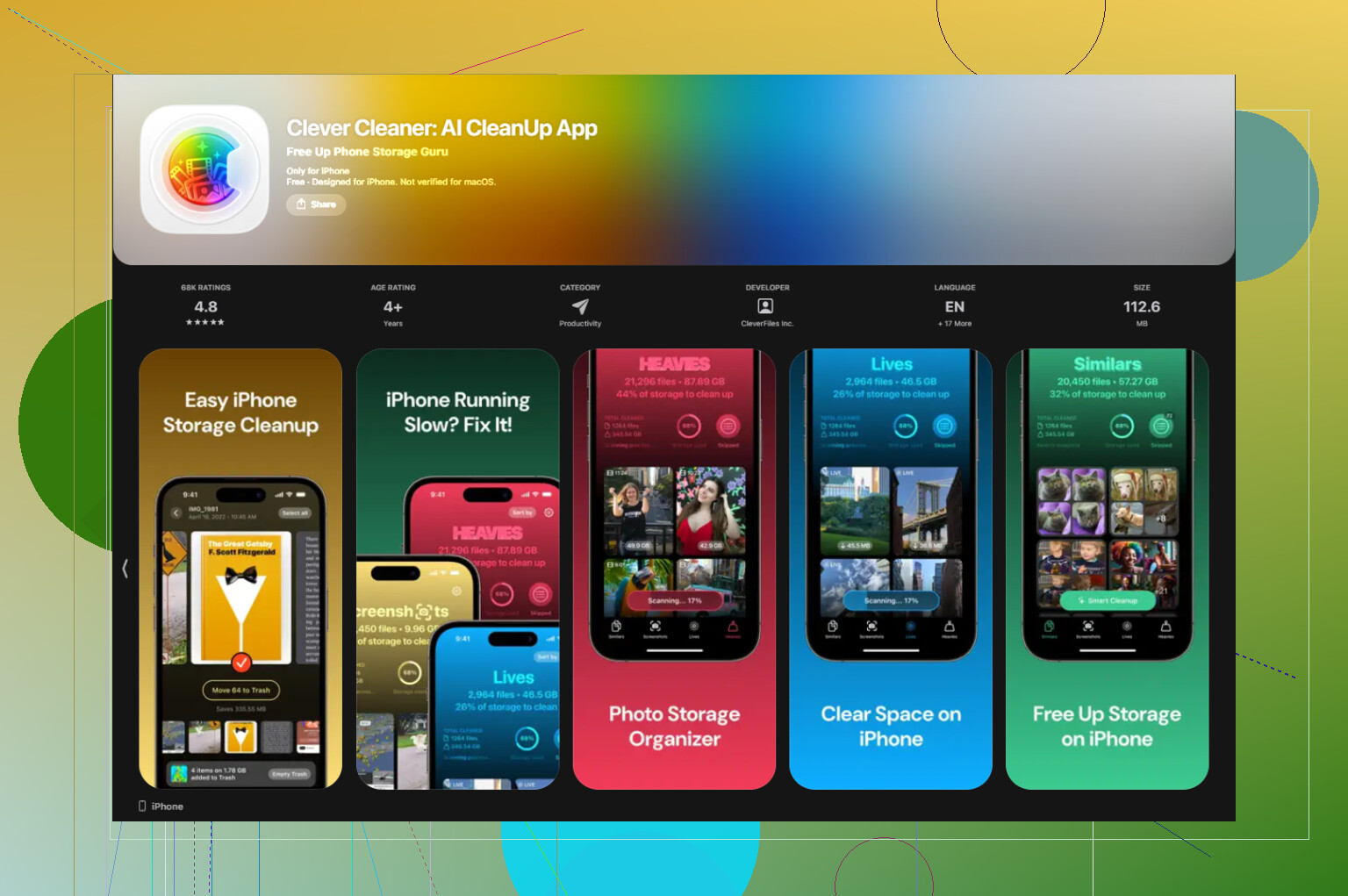
I also found out Synced Media wasn’t my only problem. Photos were chewing through space harder than I thought. I went through screenshots, duplicate shots, and old videos. The tool I ended up using was Clever Cleaner.
Why I kept it:
- Free when I used it
- No ads in my way
- Showed file sizes clearly
- Helped surface giant videos fast
- Grouped similar photos well
- Did processing on the device, from what I saw
The ‘Heavies’ section helped most. I found a pile of huge 4K clips I forgot existed. Then I used the similar-photo grouping to trim near-duplicates and blurry junk. Saved a ton of space without much effort.
After I cleared around 30 GB from photos and got rid of the Synced Media leftovers, my phone stopped dragging. If your storage is pinned, I’d start with the Music and Books reinstall trick first. Then check your gallery, because in my case, photos were the bigger problem by far.
1 Like
No, it will not come back on its own.
Synced Media is stuff copied from a Mac or PC through Finder, iTunes, Music, TV, or Books. A factory reset wipes it off the iPhone. An iCloud backup does not put it back, because Apple treats it as re-syncable content, not backup content.
So your answer is this.
- If you restored from iCloud, synced music and videos stay gone.
- If you restored from a computer backup, app data and settings return, but manually synced media still often needs a fresh sync.
- If you want those files back, you need the same computer or the same media library again.
I slightly disagree with @mikeappsreviewer on one part. I would not assume iOS is always double-counting the same files. Sometimes it labels storage badly, yes. But after a reset, if Synced Media is gone, the space is usually gone too. So in your case this is less of a ghost storage issue and more of a missing source-library issue.
Best thing to check:
- Open Music, TV, or Books
- See if the items are streamable purchases or subscriptions
- If they were your own synced files, re-sync from your computer
If your goal is to keep storage clean before syncing everything back, clean Photos first. On most iphones, photos and video eat more space than old music files. Clever Cleaner is decent for that. It helps find duplicates, big videos, and random junk fast. If you want real user feedback first, read Clever Cleaner app reviews from real users.
Short version, reset erased the synced media. It does not auto-return. You need to sync it agian from the computer it came from, or from a replacement library.
Nope, not automatically.
Factory reset wipes synced media off the phone, and that stuff usually is not restored from iCloud backup because Apple treats it as media you can sync again from the original library. So if those songs/videos were dragged over from Finder, iTunes, Music app, TV app, etc, you’ll need to sync them again from the computer they came from. That part @sternenwanderer got right.
Where I slightly disagree with @mikeappsreviewer is the storage-label angle. Yeah, iOS storage labels are messy, but after a reset this is less about “ghost” storage and more about the fact the source files are simply gone from the device. Reset means clean slate, period.
A couple things to check before you panic:
- If it was purchased media, it may be re-downloadable
- If it was Apple Music subscription content, re-enable Sync Library and download again
- If it was ripped CDs / personal videos / old iTunes sync stuff, you need the original computer or backup library
Also, if you restored from a Mac/PC backup, sometimes settings come back but the actual synced media still doesn’t. Apple has always been annoyingly inconsistent there.
If you’re reloading everything, I’d honestly check free space first so you don’t cram the phone full again. Photos and giant videos are usually the bigger hog than old music files. Clever Cleaner is decent for that if you want to trim duplicates and heavy files before syncing media back. I found this full week of real-world Clever Cleaner testing useful when I was comparing cleanup apps.
Short version: reset erased it, iCloud won’t magically bring it back, and yeah… you probly have to sync it all again.
No, it does not just reappear.
I agree with the core point from @sternenwanderer, @sterrenkijker, and @mikeappsreviewer: factory reset removes synced media, and iCloud restore usually does not bring that category back. Where I’d push back a little is this: if some of that content was actually purchased from Apple or matched through a library service, parts of it may be recoverable without a full old-school cable sync.
Quick reality check:
- Synced from Finder/iTunes/Music/TV on a computer = usually gone until you sync again
- Bought from iTunes Store = often re-downloadable
- Apple Music subscription tracks = can come back after library sync, but only as downloadable catalog items, not your old manual sync copies
- Personal rips, home videos, old audiobooks = you need the source library again
One thing people miss after a reset is authorization. If you use a Mac or PC to sync back, make sure that computer is still signed into the same Apple Account and the media apps are authorized properly, or the files may not show up as expected.
Also, I would not spend too much time chasing “ghost” Synced Media after a factory reset. If the reset completed cleanly, the bigger issue is usually rebuilding your media setup, not hidden leftovers.
If you’re trying to avoid filling the phone back up immediately, trim your camera roll first. Clever Cleaner is useful for that.
Pros:
- easy duplicate cleanup
- good at finding large videos
- simple storage overview
Cons:
- not really for music re-sync issues
- cleanup suggestions still need manual review
- less helpful if your storage problem is mostly apps, not photos
So: synced media won’t auto-return, but some Apple-purchased or subscription content might be redownloaded separately. Everything else needs the original library.