My iPhone is running out of storage from photos, videos, apps, and iCloud downloads. I’m trying to decide whether it’s worth paying for a higher-storage iPhone or using external storage for backups and media. What’s the better long-term option for everyday use?
I looked into the same thing a while back when my iPhone storage was completely maxed out. I saw those videos where people “upgrade” the storage chip, and for a minute it seemed like maybe it was just another repair, like a battery or screen replacement.
The repair shop I asked about it gave me a pretty straight answer: yes, it can be done, but it’s not something they’d recommend. It’s not a normal part swap. The NAND chip has to be removed and replaced with micro-soldering, then programmed correctly, and there’s a real risk of killing the logic board. Even if it works, you’ve basically made future Apple service more of a headache and your warranty is gone. That was enough to make me back off.
The better move was cleaning up what was already on the phone first. Start with Settings > General > iPhone Storage, because you might be surprised where the space is going. I thought I needed a bigger phone, but a lot of it was just junk I had ignored for years.
Apps are an easy win. Offload Unused Apps is useful because it removes the app but keeps the documents and data. If you install the app again later, your stuff is still there.
Messages can also eat way more storage than you’d expect. Old videos, photos, GIFs, and random attachments pile up quietly. Setting older conversations to auto-delete helped keep that from turning into the same problem again.
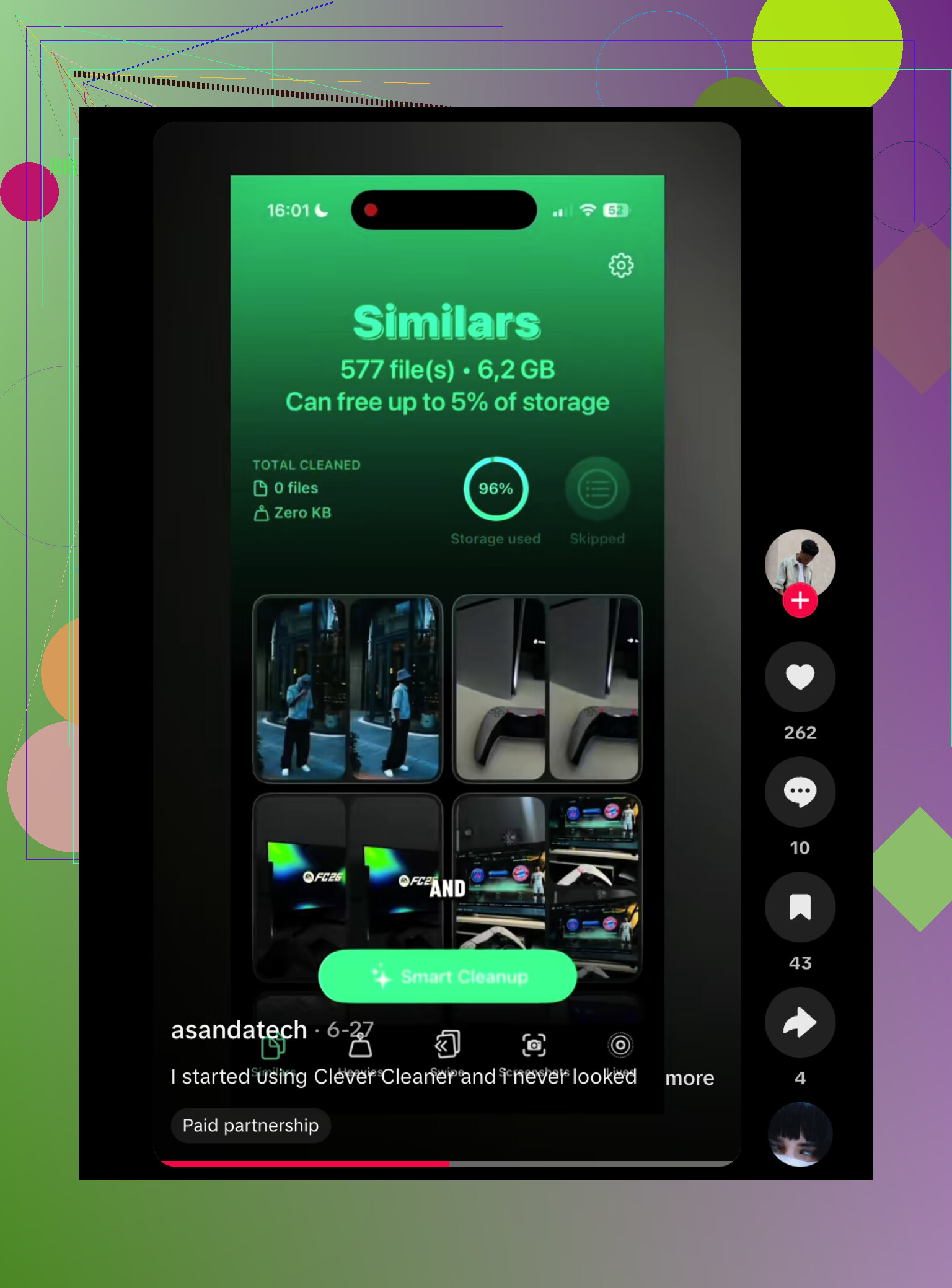
Photos were the main issue for me, though. Apple’s Duplicates album barely found anything, because most of the mess wasn’t exact duplicates. It was similar shots, screenshots, Live Photos, and big videos. I ended up using Clever Cleaner for that part. It grouped similar photos, picked out the best-looking one from each group, sorted videos by size, found old screenshots, and could turn Live Photos into regular still images when I didn’t need the motion. That freed up a lot more space than I expected.
After that, iCloud Photos with Optimize iPhone Storage made the biggest day-to-day difference. Your full-resolution photos stay in iCloud, and the phone keeps smaller versions locally until you open something. I barely noticed any downside, but the local photo library got much smaller. If you don’t want to use iCloud, Google Drive or Dropbox can work for files and videos too, but you’ll probably have to organize more of it yourself.
For stuff I wanted to keep but didn’t need sitting on my phone all the time, I bought an external flash drive. That made sense for older photos and videos. It’s especially easier now with USB-C iPhones, and some drives even let compatible apps save video straight to the drive instead of filling the phone first. Just check that the drive is formatted in something the iPhone can read, like exFAT or APFS.
I’m glad I didn’t mess with the storage chip. Cleaning out the phone, moving older files to cloud storage, and using an external drive handled the problem without risking the whole device. I’d try all of that before considering any hardware storage upgrade.
You can’t use an external drive as if it were built-in iPhone storage. Apps, Messages, system data, and most photo library behavior still want internal space, so the drive is more of an archive or transfer tool than a real upgrade. If you’re constantly recording video, downloading music, keeping lots of games, or using offline maps, I’d buy more storage next time instead of fighting it every month. External storage makes sense for old videos and backups, but it won’t fix the annoying daily “iPhone Storage Full” problem if your normal use already exceeds the phone’s capacity.
If the storage problem is mostly “I want to keep old stuff,” an external drive is fine; if the problem is “my phone is yelling at me every week,” it’s the wrong fix.
The annoying bit people forget is that an external drive adds chores. You have to plug it in, move files, verify they copied, decide what to delete, and then remember where everything went later. It also isn’t a backup by itself if that drive is the only other copy. A cheap flash drive full of irreplaceable photos can fail, get lost, or end up unreadable when you need it. For photos and videos you care about, I’d want at least one cloud copy or a computer backup too.
I’m mostly with @waldgeist on internal storage. More internal space buys you laziness, and laziness is underrated. Apps, cached media, Messages attachments, offline playlists, maps, and system updates all work better when the phone has breathing room. External storage is better treated like a closet, not an extra bedroom. Great for archiving old vacation videos, bad for making a 128 GB phone feel like a 512 GB phone every day.
Don’t spend money on a new phone or drive until you check whether iCloud Photos is set to download originals. If it is, you can free a surprising amount just by switching to Optimize iPhone Storage, then decide later if the next iPhone needs more capacity. External storage is fine for dumping old videos, but it won’t save you from bad settings filling the phone again.