I accidentally deleted important files from my Mac and emptied the Trash before realizing I still needed them. I’m looking for the best Mac data recovery software that’s safe, easy to use, and actually works so I can try to recover lost files as soon as possible.
I’ve been through this on a Mac, and yeah, it sucks. When photos vanish, a project folder goes blank, or an external drive mounts with nothing on it, the worst move is rushing in and poking at the disk. The first few minutes matter more than people think.
What I’d do first, before installing anything or clicking repair buttons:
- Stop writing to the drive right away
- Do not move new files onto it
- Leave First Aid alone for now, and skip the random cleaner apps too
- Save recovered files onto another drive, never back onto the same one
- If the drive keeps dropping, freezing, or disconnecting, make an image backup first if you still have access
SSDs are where people get burned fast. On newer Macs, TRIM wipes deleted data sooner than a lot of folks expect. I learned this the hard way once with an external SSD and I don’t mess around with continued use anymore.
If you want options, this thread has a decent rundown of Mac recovery tools.
The short list I’d look at:
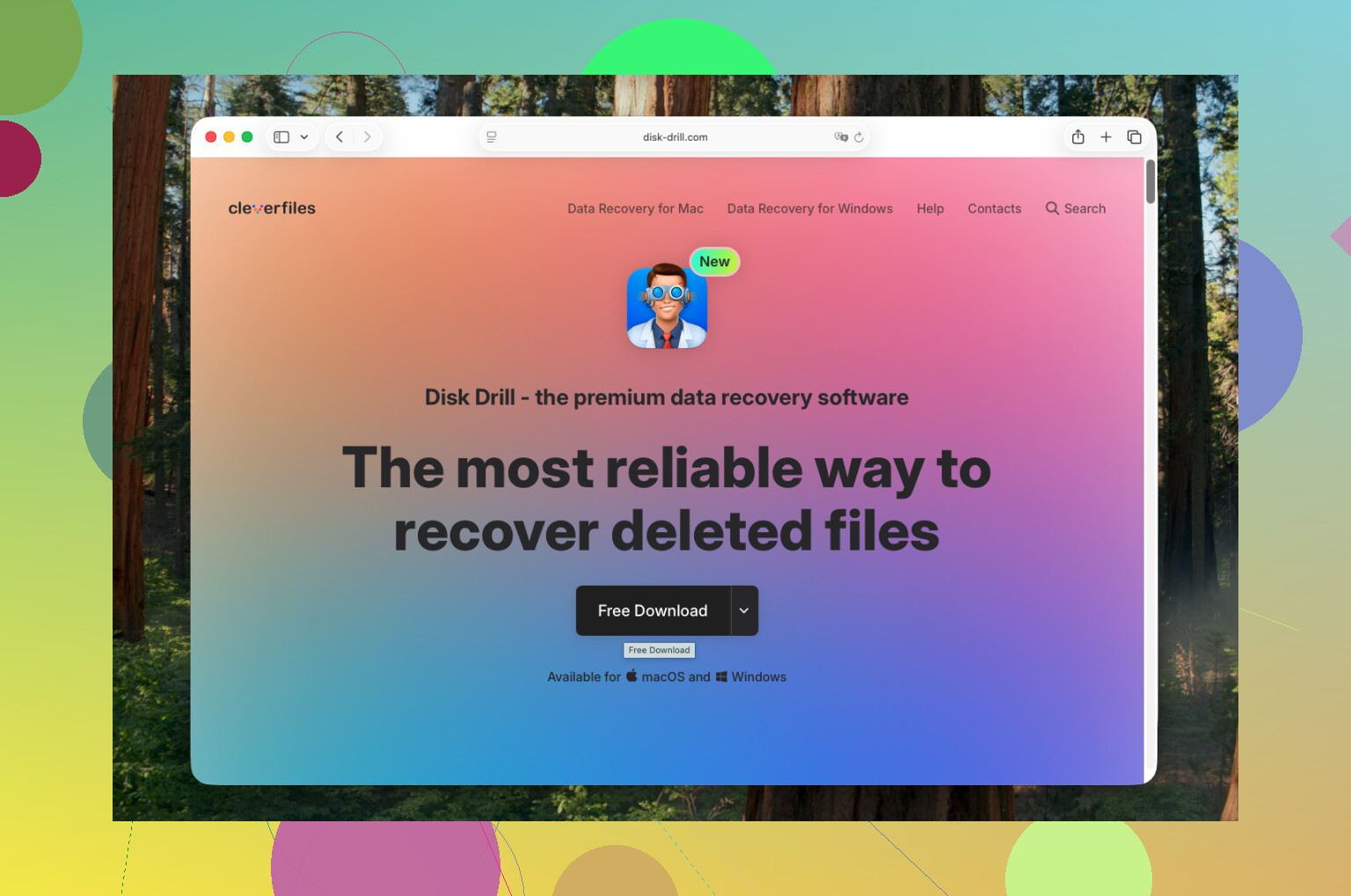
- Disk Drill is the one I’d hand to most Mac users first. Clean interface, solid APFS support, works fine on Apple Silicon, and it does well with deleted files, formatted disks, SD cards, and external SSDs. The preview feature helps a lot, and the byte-for-byte backup imaging is one of the few extras I think matters.
- PhotoRec is the free pick if you don’t mind getting your hands dirty. It pulls data from rough cases, including damaged cards and broken drives, but it runs in the terminal and feels old-school. Also, file names and folders usually come back as a mess.
- R-Studio is for the heavier jobs. RAID, partition damage, weird file system issues, stuff like that. It’s strong, no question. I wouldn’t point a beginner at it unless they’re patient.
- iBoysoft Data Recovery is fine if you want something simpler. APFS support is decent, and the small free recovery allowance helps when you only need a few files and don’t want to pay first.
If this were my drive, and the problem was something common like deleted files, an emptied Trash, a corrupted SD card, or an external disk acting strange, I’d start with Disk Drill. It’s the least annoying path with a good success rate. If you’re comfortable in Terminal and want a free route, PhotoRec still does more than people give it credit for. Bit ugly, but it works.
3 Likes
I’d keep it simple. For most people on a Mac, Disk Drill is the first app I’d try.
Why:
- It handles APFS well, which matters on newer Macs.
- The interface is easy to follow.
- It previews files before recovery.
- It works on internal drives, USB drives, SD cards, and external SSDs.
- It lets you scan first, then recover to another drive.
I partly agree with @mikeappsreviewer, but I’m less high on PhotoRec for normal Mac users. It’s free, sure. It also dumps you into a rough workflow with ugly file naming. If your deleted files are docs, photos, or project folders you need organized, that gets annoying fast.
My ranking would be:
- Disk Drill, best mix of ease and results
- R-Studio, best if the disk structure is damaged
- PhotoRec, best if money is tight and you don’t care about names/folders
- iBoysoft, decent for lighter jobs
One thing people miss. Check iCloud Drive first. Also check Time Machine snapshots if you had backups on. Empty Trash is bad, but it does not always mean the file is gone from every sync or backup source. I’ve seen people recover stuff in 2 mins there and save themself a paid scan.
If your Mac uses an SSD, move fast. Recovery odds drop hard after deletion, esp if you kept using the Mac. If it’s an external hard drive or SD card, your odds are often beter.
Also, this quick Mac data recovery software guide for deleted files is worth a look.
If you want one answer, use Disk Drill first. If it finds the files and previews them, you’re on the right track.

I’d probly split this into 2 situations, because people lump them together when they really shouldnt:
- You deleted files from the Mac’s internal SSD
- You deleted files from an external drive, SD card, or USB device
For the internal SSD, I actually think both @mikeappsreviewer and @mike34 are a little too optimistic in the average modern Mac case. They’re right that Disk Drill is the easiest place to start, and yes, it’s usually the best Mac data recovery software for normal users. But on an internal APFS SSD, once Trash is emptied and the Mac keeps being used, your recovery chances can fall off a cliff. That’s not the software’s fault, that’s just how newer Macs behave.
If it was me:
- Internal Mac SSD: I’d first check Time Machine, iCloud Drive, Recently Deleted in Photos, Notes, Files, etc.
- External drive or SD card: I’d use Disk Drill first, because it’s the least painful and the file previews are super useful.
- Complicated corruption or partition damage: R-Studio.
- Totally free but messy option: PhotoRec.
My actual recommendation for “safe, easy to use, and works” is still Disk Drill for Mac. Not because it’s magic, but because it balances usability and recovery quality better than most apps. Also important, it doesn’t feel like sketchy abandonware, which a lot of recovery tools honestly do.
One more thing, if the files are super important, don’t keep “trying stuff” for hours. That’s how people turn maybe-recoverable into nope.
If you want another roundup of the best data recovery software for Mac and deleted files, that thread is worth skimming too.