My iPhone storage keeps filling up with cached files, duplicates, and apps I barely use, and it’s starting to slow everything down. I’ve seen tons of “cleaner” apps in the App Store but I’m worried about security, ads, and whether they actually work. Can anyone recommend a trustworthy, effective iPhone cleaner app that really helps free up space and improve performance, and explain why you prefer it over others?
Skip the “magic” cleaner apps that promise to speed up your iPhone. Most of them spam you with ads, collect data, or do things iOS already handles.
That said, if you want help with organizing junk and large files, the only type of cleaner app worth your time is one that focuses on photos, videos, and big files instead of pretending to delete “RAM” or “CPU junk”.
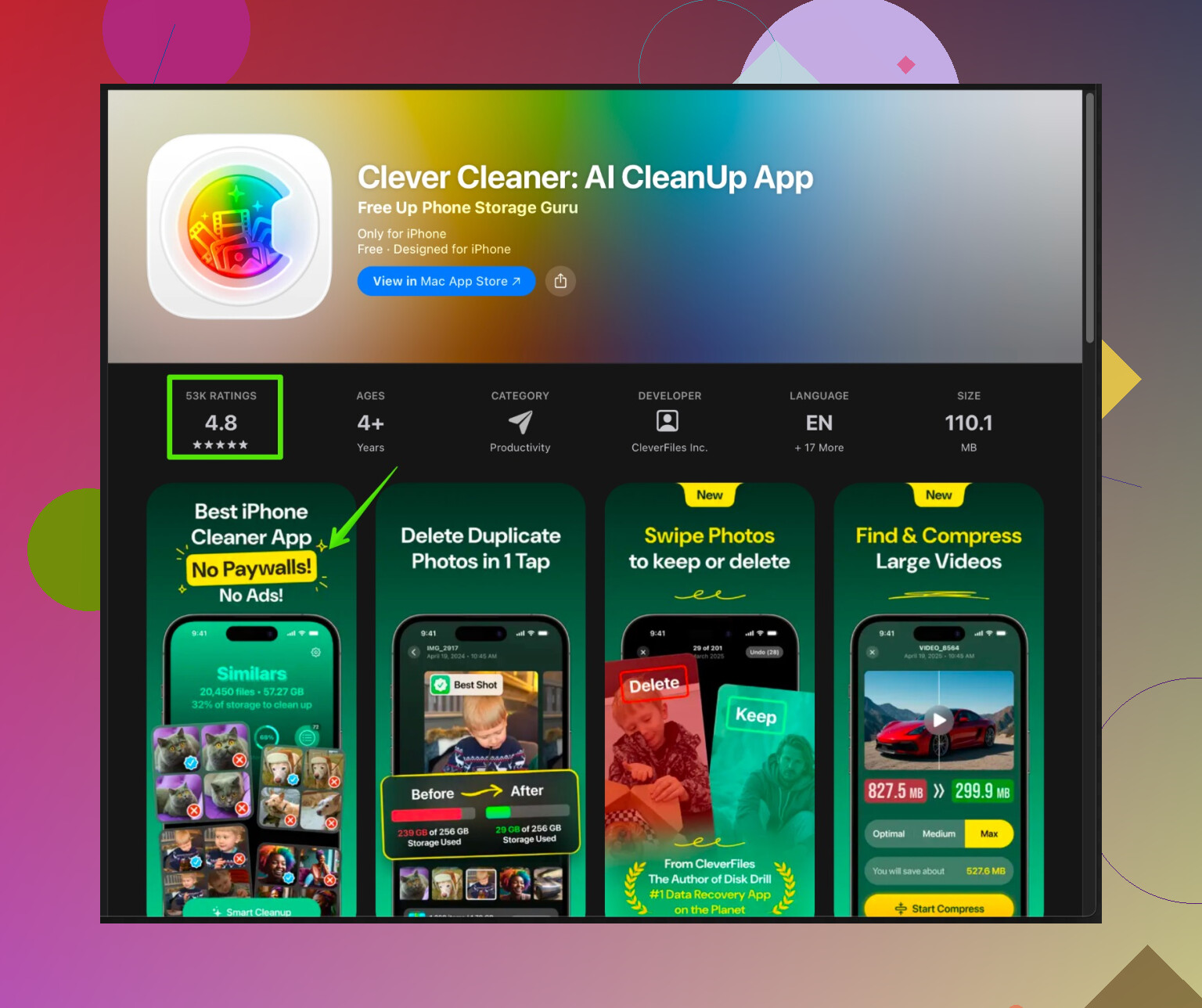
One option to look at is Clever Cleaner App. It targets stuff that actually eats space, like:
• Duplicate and similar photos
• Old screenshots
• Big videos you forgot about
• Contacts with duplicates or missing info
It works more like a smart file manager for clutter. It does not hack the system cache or promise fake speed “turbo” nonsense.
They push the AI angle, but the useful part is simple. It groups photos by similarity and date. You can bulk select and delete in a few taps. That saves a lot of time if your gallery is chaos. If you want to check it, see this link for a quick overview of what it does:
Clean up iPhone storage with Clever Cleaner
The best “cleaner” for performance is still built in to iOS. Do these first before you install anything:
-
Offload unused apps
Go to Settings > General > iPhone Storage.
Tap “Offload Unused Apps”.
This removes app binaries but keeps your data. You free space and keep your stuff. -
Clear app bloat the safe way
In the same iPhone Storage screen, scroll through the list.
Look for apps using over 1 GB.
Tap each, delete and reinstall from the App Store.
This wipes their cached junk without weird third party tools. -
Photo and video cleanup
Open Photos.
Sort by “All Photos” and scroll to old years.
Delete long videos you do not need.
Then go to Albums > Recently Deleted and clear it.
This alone frees gigabytes on most phones. -
Offload photos to iCloud or local backup
If you use iCloud Photos, enable “Optimize iPhone Storage”
Settings > Photos > Optimize iPhone Storage.
That keeps smaller versions on the phone. -
Messages cleanup
Go to Settings > Messages > Keep Messages.
Set to 1 Year or 30 Days instead of Forever.
Big video threads in iMessage eat a lot of space.
Quick notes on third party cleaner apps:
• Avoid any app that claims to “speed up CPU” or “cool down phone”.
• Avoid aggressive VPN “security scan” bundles.
• Free versions are often heavy on ads, so read reviews before you install.
• Always check what data it tracks in App Store “App Privacy”.
If your phone slows down, storage is one cause, but not the only one. Also check:
• Free at least 5 to 10 GB for iOS updates to work smoothly.
• Restart the phone once in a while.
• Update to latest iOS if your model supports it without huge performance drop.
So, no single “best cleaner app” that fixes everything. Use iOS tools for system stuff, use something like Clever Cleaner App to handle photo and contact clutter, and ignore anything that sells “1 tap total optimization”.
Skip the idea that there’s a single “best” iPhone cleaner that’ll magically fix everything. iOS is intentionally locked down, so any app claiming it can “deep clean caches” or “boost CPU” is mostly marketing fluff.
I agree with @nachtdromer on avoiding those “RAM booster / phone cooler” scams, but I’ll slightly disagree on one thing: for some people, a focused cleaner app is worth it, as long as it sticks to stuff iOS actually lets third‑party apps manage and doesn’t drown you in subscriptions and fake alerts.
Here’s how I’d break it down without repeating the same steps they already listed:
1. What cleaner apps can realistically do on iPhone
Legit ones can usually help you with:
- Sorting and deleting duplicate / similar photos
- Hunting down huge videos and screen recordings
- Tidying up messy contacts
- Identifying manual cleanup opportunities (like showing you what’s huge so you delete it yourself)
They cannot:
- Clear system-level caches across all apps
- “Speed up” CPU or “cool” the device
- Fix lag in games or apps that are just badly coded
If any app claims those, I’d uninstall on sight.
2. About Clever Cleaner App specifically
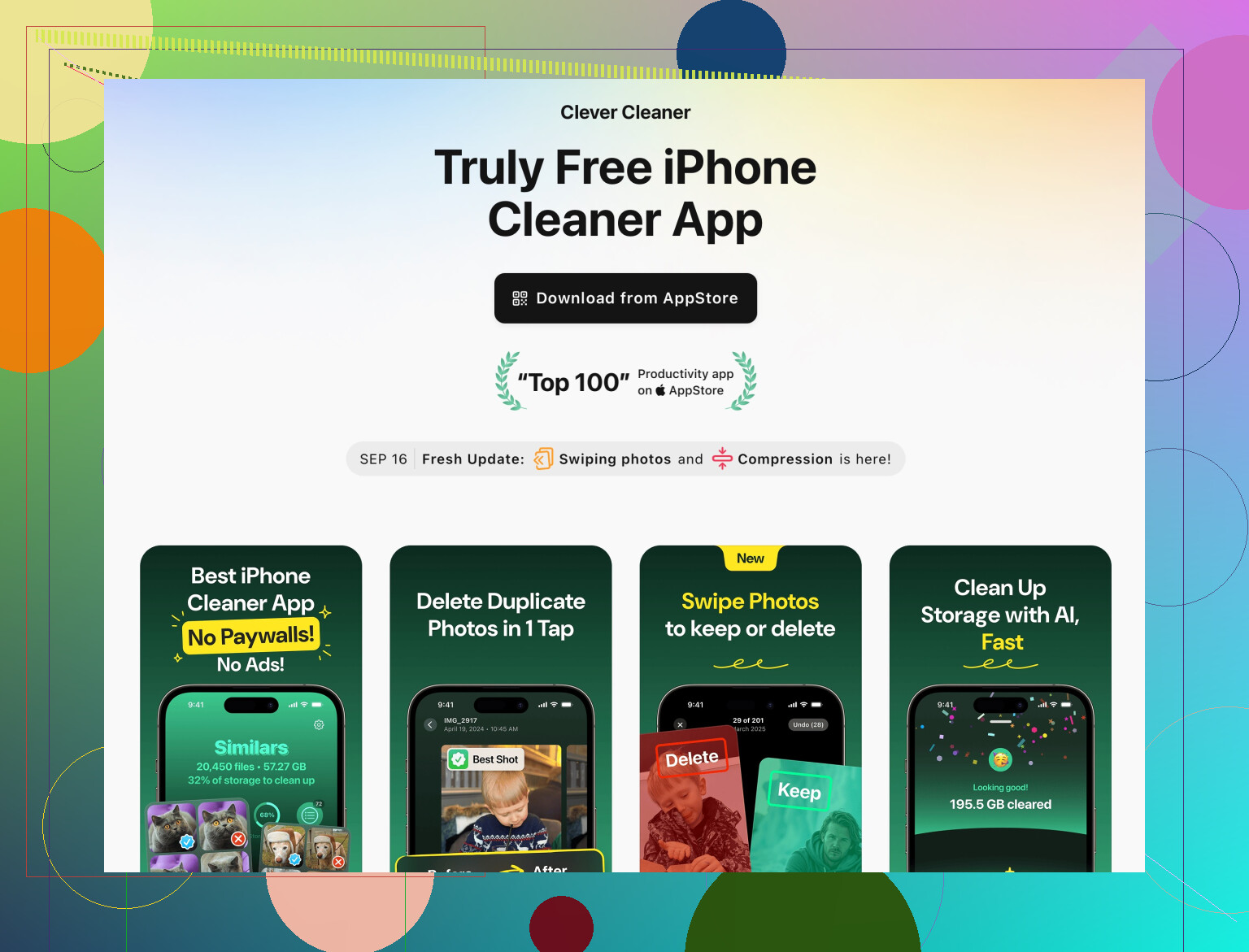
If you want to try a cleaner, Clever Cleaner App is one of the few that actually plays in the lane Apple allows, instead of promising magic. It’s good for:
- Quickly grouping similar photos so you can bulk-delete
- Finding forgotten large videos and screen recordings
- Cleaning up weird duplicate or half-broken contacts
So if your main issue is “Photos is a landfill and I don’t know where to start,” Clever Cleaner App is actually useful. Think of it more like a smart assistant for storage management, not a system optimizer.
If you want more detail, check this out:
clean up iPhone storage with Clever Cleaner App
3. A couple of tricks people skip that actually help
Not going to rehash the same Settings > iPhone Storage steps, but here are some different angles:
-
Attack “Other” storage indirectly
If “System Data” / “Other” is huge, the only semi-reliable ways to shrink it are:- Sign out of iCloud, restart, sign back in
- Backup to computer, then restore from that backup
Pain in the neck, but no cleaner app can touch this.
-
Podcast & streaming app bloat
Spotify, Netflix, YouTube, Podcast apps, etc. love to hoard offline content.
Open each one and clear downloads from within the app. That usually frees multiple GB faster than anything else. -
Safari & mail attachments
- Safari: Settings > Safari > Clear History and Website Data
- Mail: Delete old threads with tons of attachments or long newsletters
4. Performance vs storage
Your phone feeling slow is partly about space, but not only:
- Some apps just suck resources, especially social media ones
- Heavy widgets and live activities do add overhead
- Background App Refresh for dozens of apps will make things feel sluggish
Cleaner apps won’t fix that. The only “speed hacks” that actually work:
- Disable Background App Refresh for stuff that doesn’t need it
- Remove unnecessary widgets from Home and Lock Screen
- Occasionally power off and on, not just sleep
5. So what should you actually do?
- Use iOS’s built-in tools for offloading unused apps and reclaiming huge offenders (as @nachtdromer already outlined).
- Add a specialized cleaner only for the stuff that’s annoying to do by hand:
- Photo & video clutter
- Duplicate / broken contacts
In that role, Clever Cleaner App is worth a shot, as long as you:
- Ignore any scare tactics or “urgent” alerts
- Keep an eye on its subscription terms
- Double-check what you’re deleting
TL;DR:
No miracle cleaner, most are trash, some are useful as assistants. Use system tools for the real cleanup, then let something like Clever Cleaner App handle the photo chaos and contact mess so you don’t lose an entire weekend manually tapping through 20k pics.
1 Like