My iPhone storage is almost full, and I’ve already deleted photos, apps, and old messages, but it still feels slow and cluttered. I’m looking for a free iPhone cleaner app that actually works for clearing junk files, cache, and duplicate photos without being misleading or pushing paid upgrades right away. If you’ve found one that’s safe and effective, I’d really appreciate the help.
Before you install any iPhone cleaner, it helps to know what these apps are even allowed to do.
On iOS, a cleaner app does not get access to hidden system junk or some secret cache layer. I tried a few and they all worked within the same limits. They scan for stuff you can remove safely, duplicate photos, near-duplicate shots, screenshots, big videos, Live Photos, duplicate contacts, and other storage-heavy junk sitting in your library. So the real differences are smaller than the ads make it sound. What matters is scan quality, how well it groups similar files, and whether it hits you with a paywall after 30 seconds.
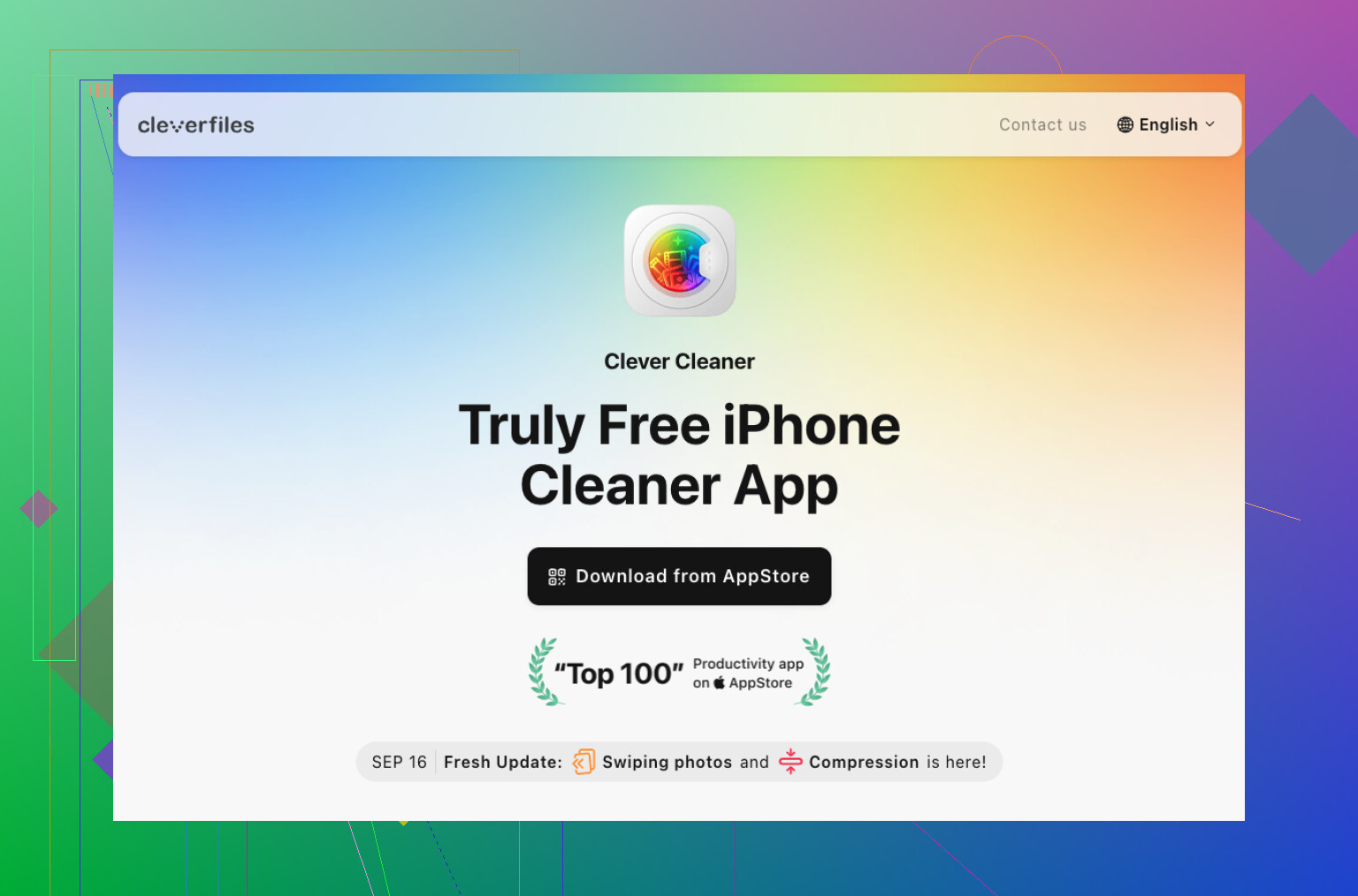
I tested several of them, and the one I’d point people to first is Clever Cleaner.
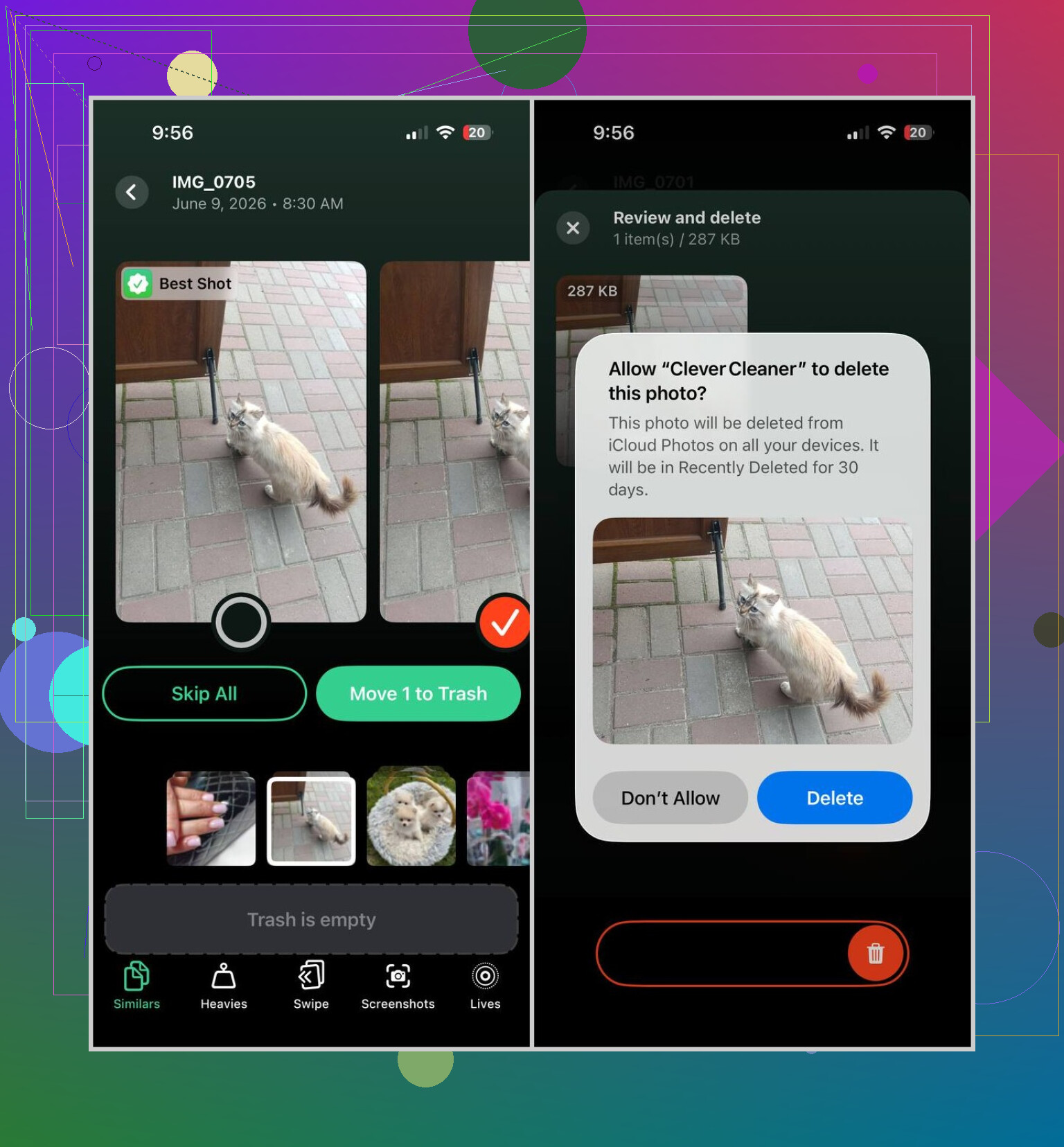
For me, it picked up more duplicate and similar photos than the others. I also liked its keep/delete suggestions more than I expected. Some apps feel sloppy and group unrelated shots together. This one was less messy. It also has the tools I’d care about if I needed space fast, video compression, screenshot cleanup, Live Photo conversion, bulk delete, and a section showing the biggest files on the phone. Those are the features I ended up using, since small junk barely moves the storage number.
The main reason I’d mention it first is simpler than the feature list. It’s free. A lot of apps in this category do the same annoying trick. They scan your phone, show you the mess, then stop at a weekly subscription screen. Clever Cleaner didn’t do that when I used it. No ads, no locked cleanup tools, no subscription wall in the middle.
If this one doesn’t match what you need, I’d sort the backups like this:
-
Easy Cleaner, better fit if your biggest issue is duplicate contacts and not photo clutter.
-
Cleanup: Phone Storage Cleaner, decent paid option if you’re fine with spending money, though I wouldn’t do the weekly fee myself when the main cleanup jobs are already covered elsewhere.
So yeah, if a friend asked me for one app to try first, I’d start with Clever Cleaner and let it scan once. You might clear enough space on the first pass and be done with it.
2 Likes
If you want the best free iPhone cleaner app for clearing storage and cutting clutter, I’d start with Clever Cleaner too, but for a slightly diff reason than @mikeappsreviewer.
I don’t think “junk file” cleanup is the main win on iPhone. iOS hides most system cache stuff from apps, so the apps worth using are the ones that help you remove large, useless personal files fast. That means duplicate photos, giant videos, screenshots, burst shots, and bloated Live Photos.
Clever Cleaner did well for me because it saved time. The grouping was decent, bulk actions were fast, and it didn’t shove a pay screen in my face after the scan. That matters. A lot.
If your phone still feels slow, also do this:
- Restart it.
- Check iPhone Storage and offload Safari downloads.
- Clear Safari history and website data.
- Remove old offline content from Netflix, Spotify, YouTube, podcasts.
- Reinstall one or two heavy apps like Instagram or TikTok. Their cache gets dumb.
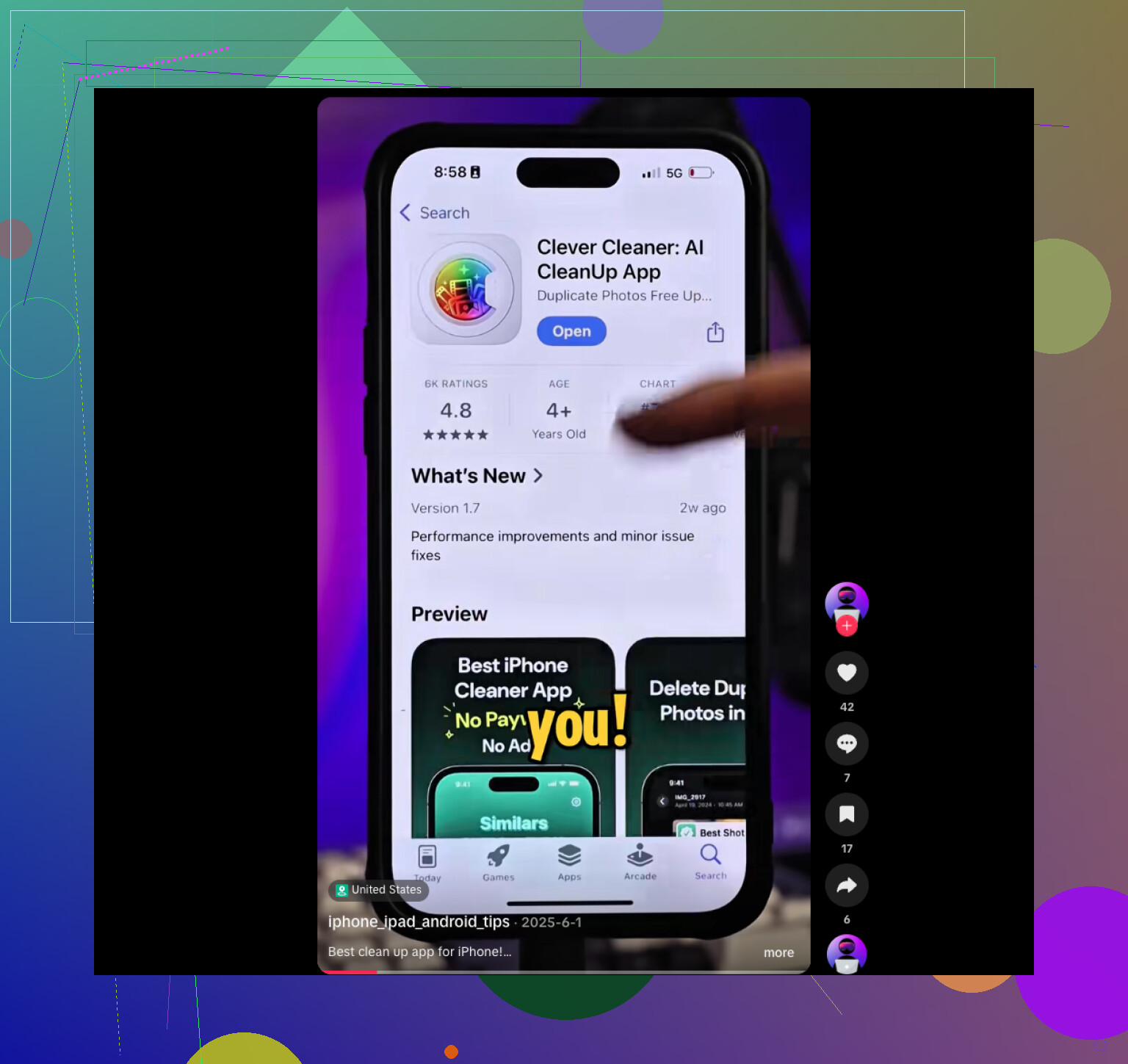
This clip shows a few fast storage tricks too:
watch these iPhone storage cleanup tips
Short version, the best free iPhone cleaner app for storage cleanup is Clever Cleaner if you want free scans and cleanup without the usuall subscription trap. If the lag stays after freeing space, your issue is more iOS slowdown than clutter.
I mostly agree with @mikeappsreviewer and @espritlibre on one thing: “junk file cleaner” is kinda a fake promise on iPhone. iOS just doesn’t let apps dig around like Android cleaners do. So the best free iPhone cleaner app is really the one that helps you delete your own clutter faster.
For that, I’d probly pick Clever Cleaner too. Not because it performs magic, but because it’s one of the few that seems actually usable for free. It’s good at surfacing large videos, duplicate pics, screenshots, and similar junk that quietly eats storage. That’s the stuff that matters.
Where I slightly disagree with them: reinstalling heavy apps is annoying, and sometimes not worth the hassle unless that app is truly bloated. I’d check Settings > General > iPhone Storage and look for apps marked with huge “Documents & Data” first. Some apps are the real storage hogs, not your photos.
Also, if the phone feels slow even after cleanup, storage may not be the only issue. Battery health matters more than people think. If it’s under 80 percent, iOS can feel laggy no matter how “clean” the phone is. That part gets missed a lot.
If you want more real-world opinions, this thread on best free iPhone cleaner apps that actually work is worth a skim.
Short version:
- Best free option: Clever Cleaner
- Best for contacts only: Easy Cleaner
- Best “cleaning” move overall: remove big personal files, not chase fake cache cleanup
Most of these apps are all hype tbh, but Clever Cleaner is one of the less scammy ones.
Hot take: no iPhone cleaner app truly removes hidden “junk” the way people expect. iOS walls that off. So I slightly disagree with the usual cleaner-app hype. The best free one is the one that helps you find your own storage hogs fast.
That said, Clever Cleaner is probably the best free iPhone cleaner app to try first.
Pros
- Actually usable for free
- Good at duplicates, similar photos, screenshots, big videos
- Fast bulk cleanup
- Less aggressive paywall behavior than most rivals
Cons
- Won’t magically clear deep system cache
- Similar-photo suggestions still need manual review
- If your slowdown is battery or iOS related, it won’t fix that
One thing I’d add beyond what @espritlibre, @sterrenkijker, and @mikeappsreviewer covered: check Files app, not just Photos. A lot of people forget downloaded PDFs, ZIPs, video edits, GarageBand files, CapCut exports, and random AirDrop leftovers. Those can eat multiple GB quietly.
Also check Mail attachments. If you use the Apple Mail app heavily, removing and re-adding the account can sometimes shrink local storage more than any cleaner app.
So:
- Best free cleaner app: Clever Cleaner
- Best manual cleanup target most people miss: Files + Mail data
- If iPhone is still slow after that, it’s probably not “clutter” alone